
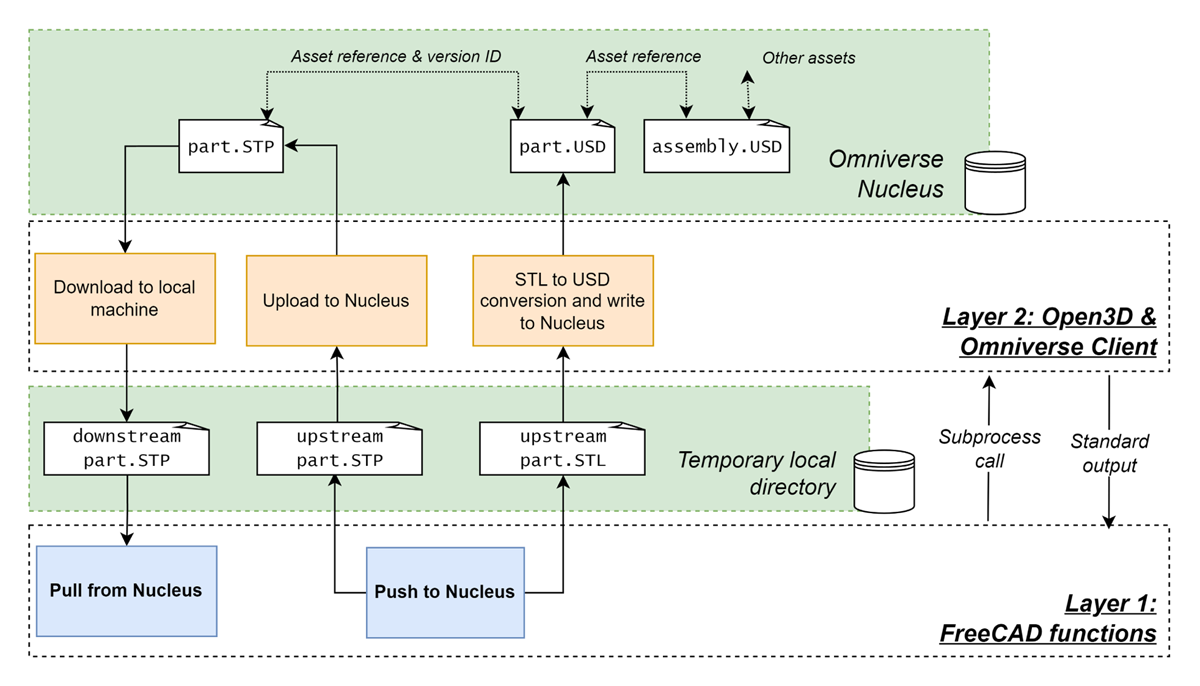
Figure 1
Software architecture of the FreeCAD connector for Omniverse.
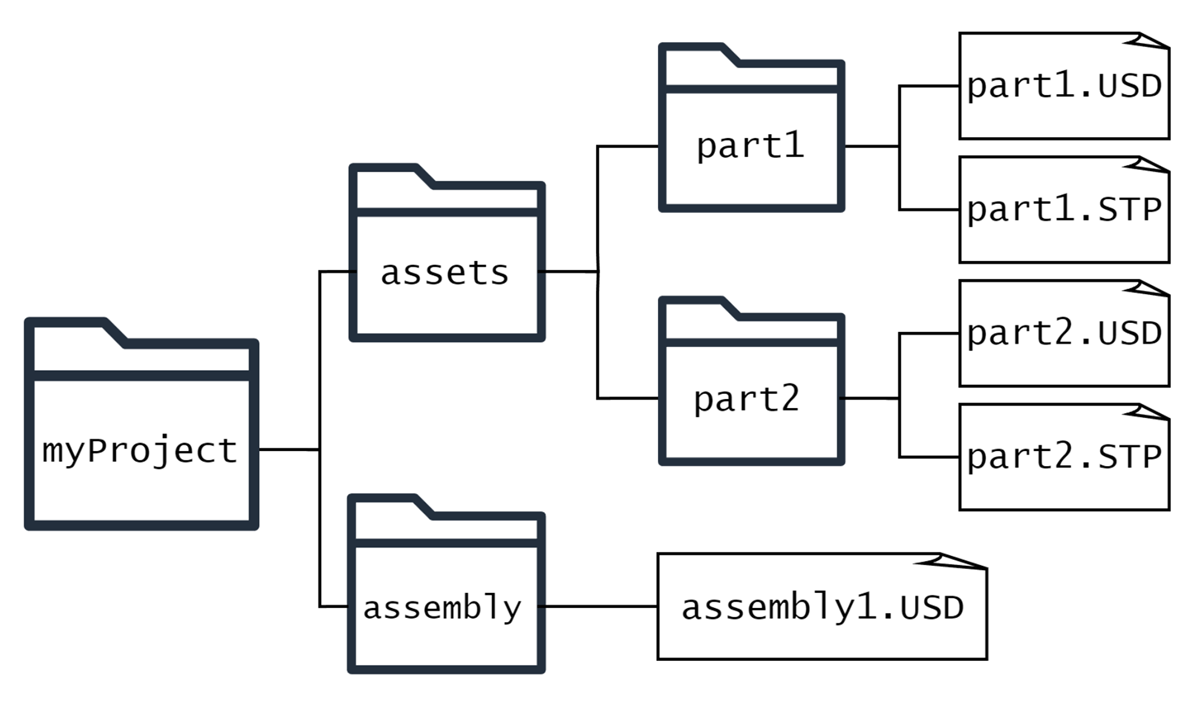
Figure 2
A generic file tree of a sample CAD project created using the developed software.
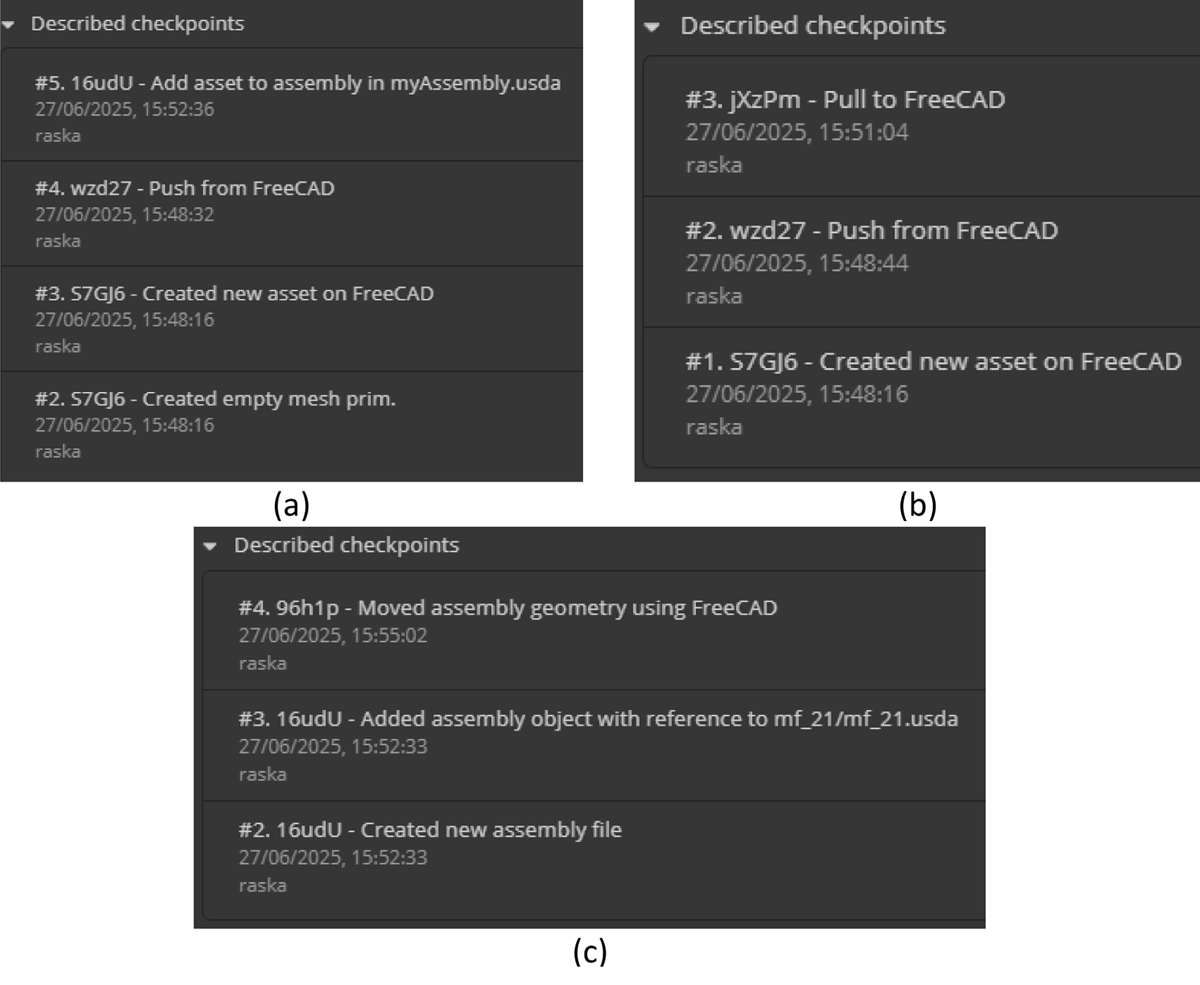
Figure 3
Checkpoint messages in the Nucleus UI for different file types, each with the token and task description: (a) USD file of an asset, showing its creation and addition to an assembly. (b) STEP file of the same asset, showing its creation and pull-to-FreeCAD operation. (c) an assembly file, showing when an asset was added and their position modified. The message also indicates the user and timestamp associated with the task.
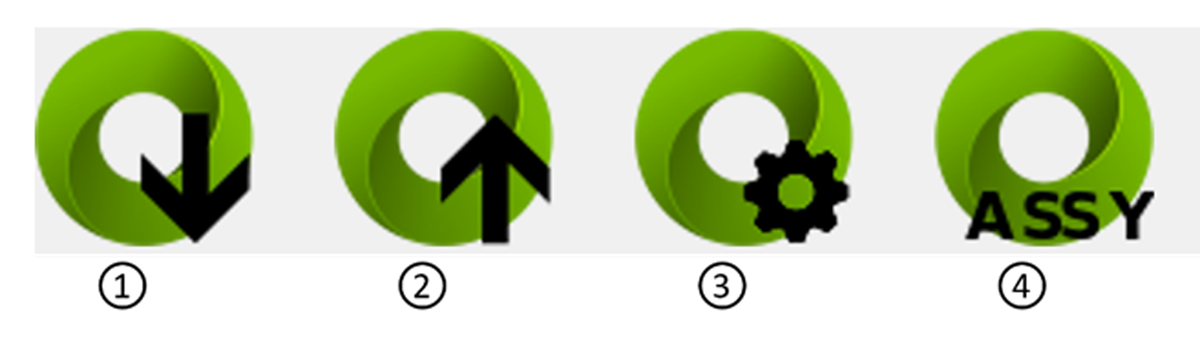
Figure 4
Connector ribbon menu buttons. 1 – Pull to FreeCAD, 2 – Push to Nucleus, 3 – Settings Panel, 4 – Assembly Panel.
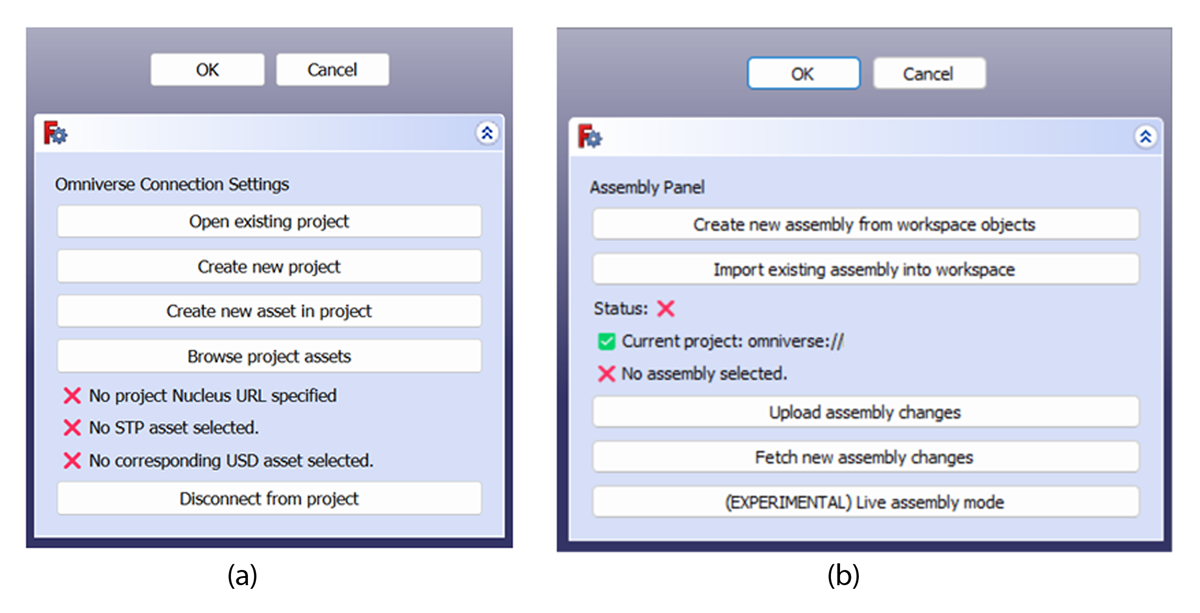
Figure 5
The (a) settings and (b) assembly task panels of the Omniverse Connector workbench.

Figure 6
Omniverse renderings of (a) the largest single-asset model tested – an inner vessel of a stellarator fusion device (1.93GB), and (b) the largest assembly model tested – a parametric tokamak fusion device (20 components).